
DelsuTools Logo
DelsuTools
Back to Blog
Student Resources

How to Recover Your DELSU Portal Password and Student Account (2026 Step by Step Guide)

DelsuTools Team
Writer
Published: 8/4/2026
Updated: 8/4/2026
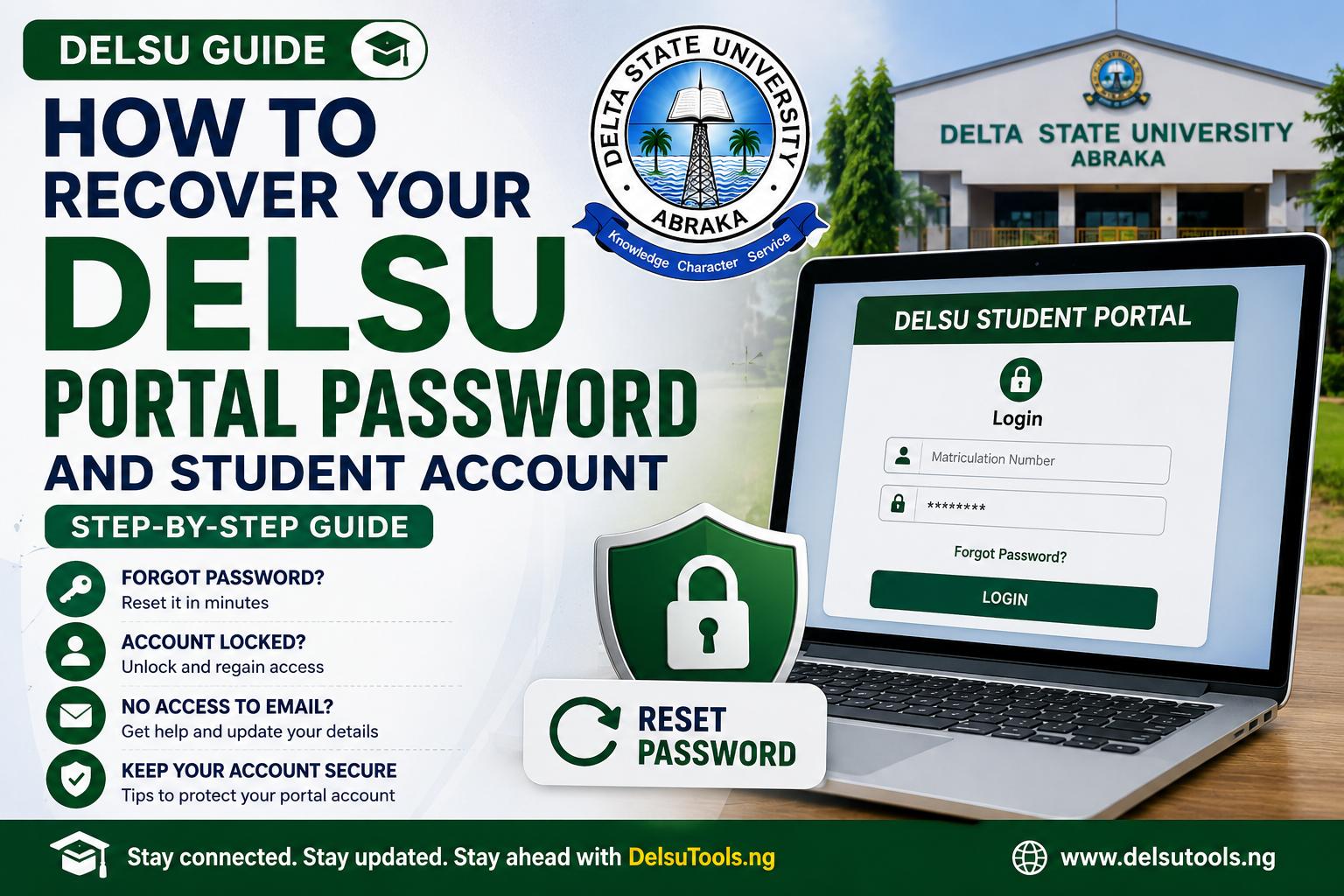
How to Recover Your DELSU Portal Password and Student Account (2026 Step by Step Guide)

If you are a Delta State University (DELSU), Abraka student and you can no longer log in to the DELSU student portal, don't panic. Forgotten passwords, locked accounts, expired portal credentials, and login errors are common issues faced by both freshers and returning students.

This comprehensive guide explains how to recover your DELSU portal password and regain access to your student account using the official university process. Whether you need to register courses, pay school fees, print examination slips, check results, or complete clearance, this guide will help you recover your account quickly and safely.

What Is the DELSU Student Portal?

The DELSU Student Portal is the official online platform where students manage most academic and administrative activities.

You can use the portal to:

  • Register courses

  • Pay school fees

  • Print payment receipts

  • Check semester results

  • Update personal information

  • Access academic records

  • Generate examination slips

  • Complete clearance procedures

  • Manage hostel-related services (where applicable)

Losing access to the portal can delay important academic processes, so it is important to recover your account as soon as possible.

Common Reasons You Cannot Log In

Most students lose access to their DELSU portal account because of one of the following:

  • Forgotten password

  • Incorrect matriculation number

  • Incorrect email address

  • Password entered multiple times incorrectly

  • Expired password

  • Account temporarily locked

  • Browser cache or device issues

  • Portal maintenance or server downtime

Information You Will Need

Before attempting password recovery, prepare the following details:

Required information

Why it is needed

Matriculation number

Identifies your student account

Registered email address

Used for password reset

Phone number linked to your account

May be required for verification

Full name

Must match DELSU records

Faculty and department

For identity confirmation if needed

How to Recover Your DELSU Portal Password

Step 1: Visit the Official DELSU Student Portal

Open the official Delta State University student portal in your web browser.

Always use the university's official portal to avoid phishing websites.

Step 2: Click “Forgot Password”

On the login page, select the Forgot Password or Reset Password option.

This will open the password recovery page.

Step 3: Enter Your Matriculation Number or Registered Email

Provide the information requested by the portal.

Depending on the portal version, you may be asked for:

  • Matriculation number

  • Email address

  • Username

  • Student ID details

Double-check the spelling before submitting.

Step 4: Verify Your Identity

The portal may send a verification code or password reset link to your registered email address.

Check:

  • Inbox

  • Spam folder

  • Promotions folder

  • Junk folder

If you receive a code, enter it on the portal.

Step 5: Create a New Password

Choose a strong password that includes:

  • Uppercase letters

  • Lowercase letters

  • Numbers

  • Special characters

Example:

  • Delsu@2026

  • Abraka#Student01

Avoid using:

  • Your name

  • Date of birth

  • Phone number

  • Matriculation number

  • Step 6: Log In with Your New Password

    Return to the login page and sign in using:

    • Your matriculation number

    • Your newly created password

    Once logged in successfully, update your recovery email and phone number if necessary.

    If You No Longer Have Access to Your Registered Email

    Many alumni and older students lose access to the email originally used during registration.

    If that happens:

    1. Visit the DELSU ICT or portal support office.

    2. Contact the appropriate faculty or departmental administrative office.

    3. Provide identification and proof of studentship.

    4. Request an email update or manual password reset.

    Documents that may be required include:

    • Student ID card

    • Admission letter

    • School fee receipt

    • Statement of result

    • National ID or other valid identification

    How to Unlock a Locked DELSU Portal Account

    If you entered the wrong password several times, your account may become temporarily locked.

    Possible solutions:

    • Wait 15-30 minutes and try again.

    • Use the password recovery option.

    • Clear your browser cache.

    • Try a different browser.

    • Contact DELSU ICT support if the account remains inaccessible.

    DELSU Portal Login Problems and Solutions

    “Invalid Credentials”

    This usually means:

    • Wrong password

    • Incorrect matriculation number

    • Wrong email address

    • Typographical error

    “Account Does Not Exist”

    Possible causes:

    • Incorrect matriculation number

    • Inactive student profile

    • Portal migration

    • Account not yet activated

    Password Reset Email Not Received

    Check:

    • Spam folder

    • Junk folder

    • Promotions folder

    • Correct registered email

    If still unavailable, contact DELSU ICT support.

    How to Contact DELSU ICT Support

    If the online recovery process fails, contact the DELSU ICT Unit or the university's portal administration office.

    When contacting support, include:

    • Full name

    • Matriculation number

    • Department

    • Faculty

    • Academic session

    • Description of the problem

    • Screenshot of the error message (if possible)

    Security Tips After Recovering Your Account

    To avoid losing access again:

    • Save your password securely.

    • Enable recovery options.

    • Update your email address.

    • Update your phone number.

    • Avoid sharing login credentials.

    • Log out from public computers.

    • Change your password periodically.

    Frequently Asked Questions (FAQ)

    Can I recover my DELSU portal password without my email address?

    Yes, but you may need assistance from the DELSU ICT unit or your faculty administration office for identity verification.

    How long does password recovery take?

    Online password recovery is often completed within a few minutes. Manual verification may take 1-5 working days.

    Can I use my phone to reset my password?

    Yes. The DELSU portal password recovery process can usually be completed using a smartphone browser.

    What if I forgot both my password and registered email?

    Visit the DELSU ICT office with valid identification and academic records for manual account recovery.

    Is there a fee for resetting a DELSU portal password?

    Password recovery is generally free through the official portal. Be cautious of anyone requesting unofficial payments.

    Final Thoughts

    Recovering your DELSU portal password and student account is usually a straightforward process if you still have access to your registered email. Even if you no longer have access to that email, the DELSU ICT unit can help verify your identity and restore your account.

    For students who need to register courses, pay school fees, check results, or complete academic clearance, regaining portal access should be treated as a priority. Always use the official DELSU student portal and avoid third-party websites that claim to reset student accounts.

    If you are preparing for a new academic session, you may also find our guides on DELSU course registration, school fees payment, and bursary application procedures helpful.

    This article is strong enough to publish directly on DelsuTools.ng/blog.

    ? Frequently Asked Questions

    Is the information updated?

    Yes, we regularly update our articles to reflect the latest DELSU guidelines and academic policies.

    Can I share this guide?

    Absolutely! Feel free to share this guide with fellow students using the share buttons below.

    Share: